

Routes of stops on a real map: history, guided visits, treasure hunts.
Choose a route, follow the stops on foot and discover the place you are in. All you need is your phone.
How it works
-
1
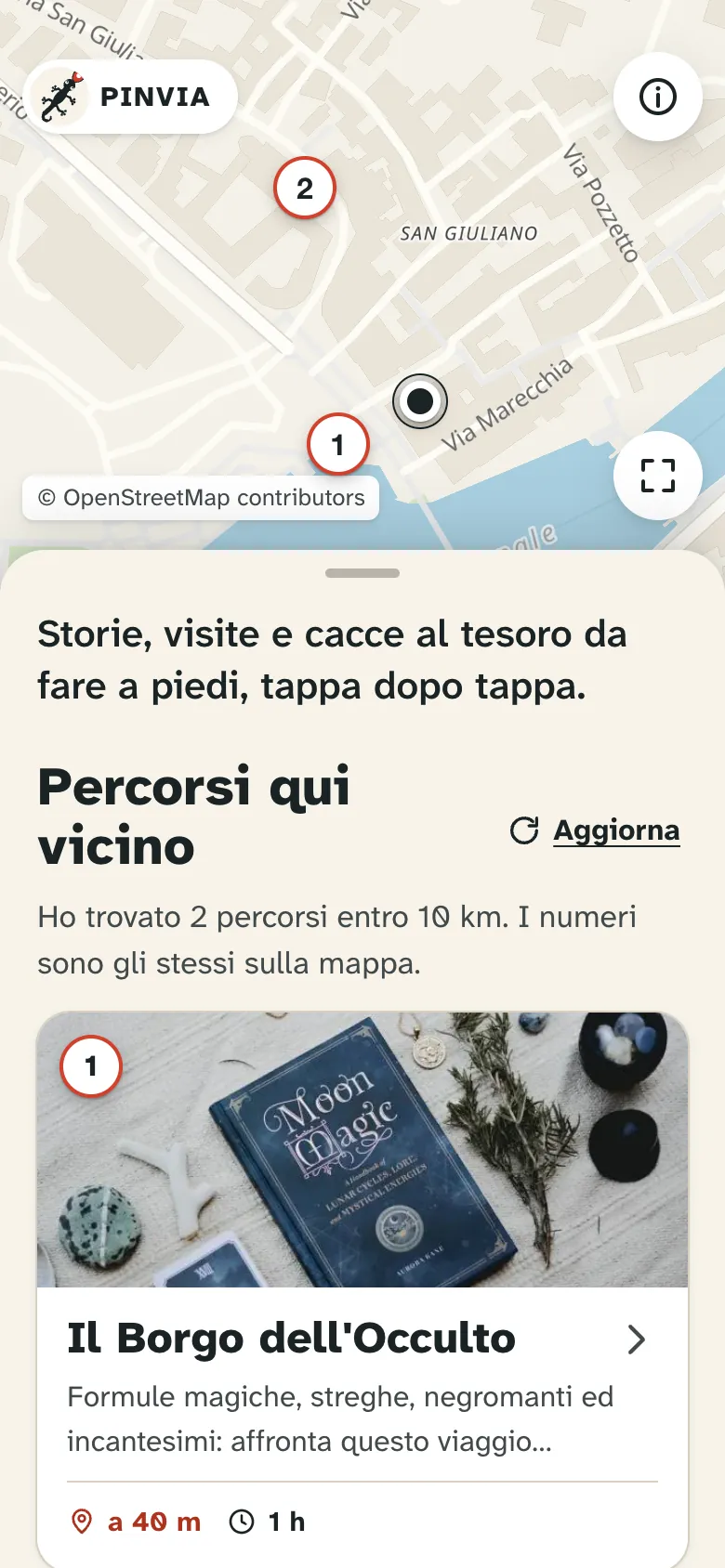
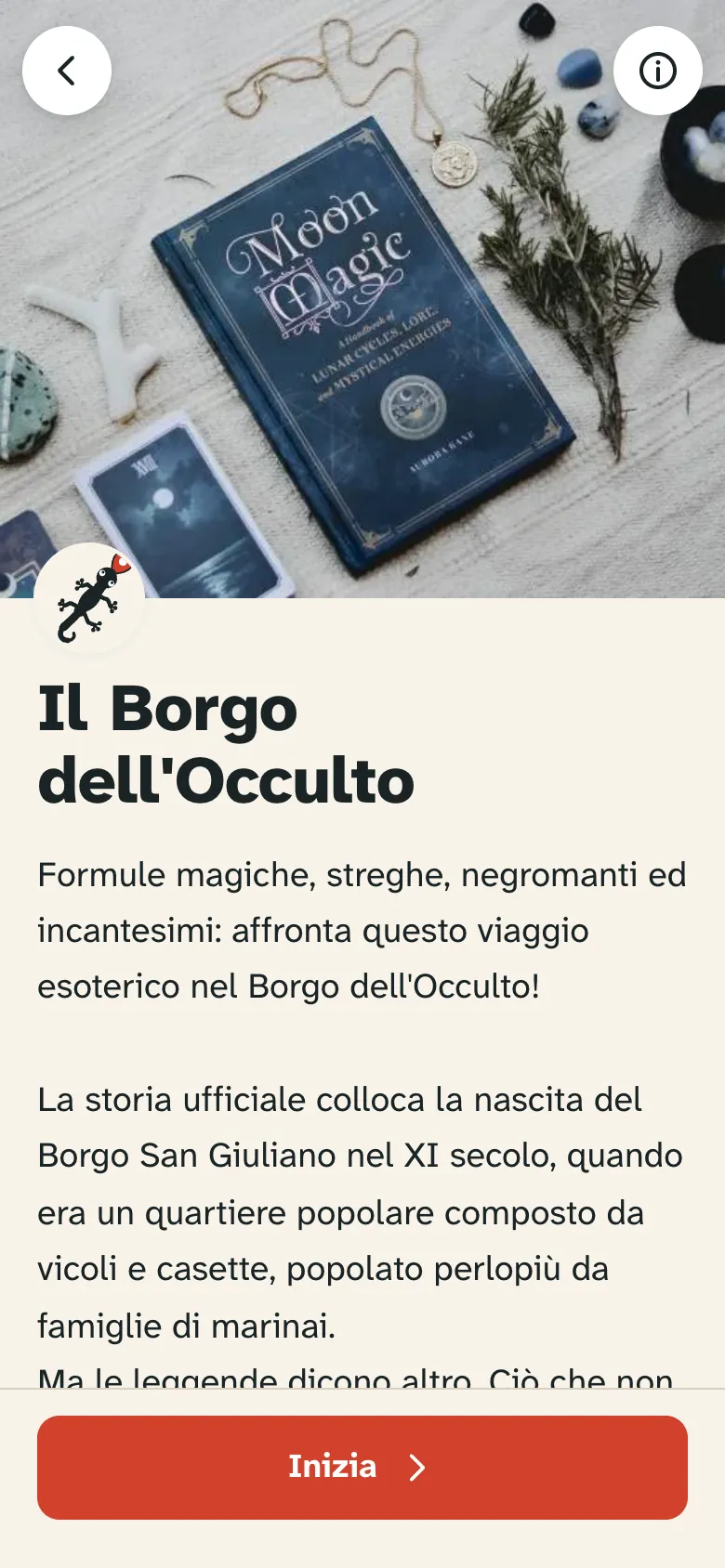
Find a route
Scan the QR code you find on site, or open the app and choose one of the routes near you.
-
2
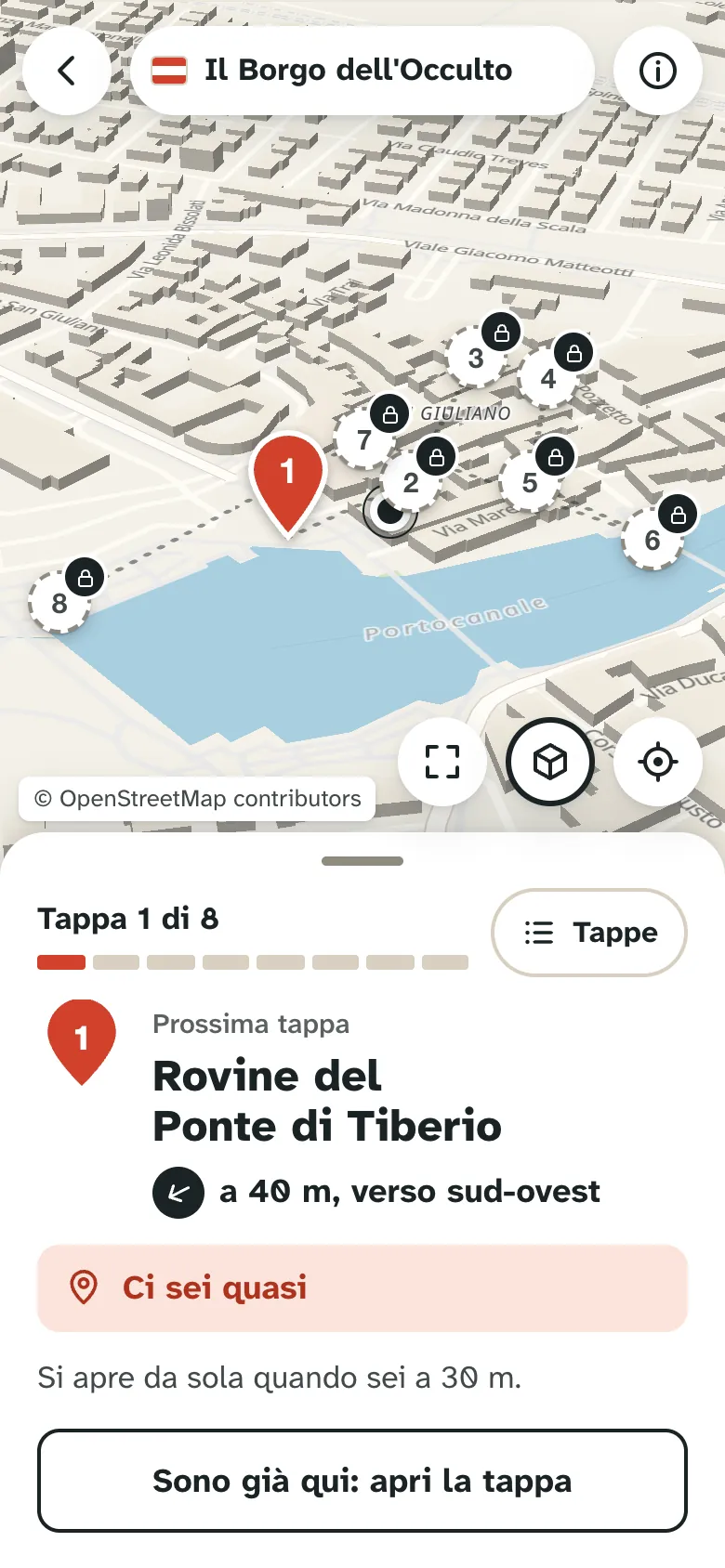
Follow the stops on the map
Each stop has a point on the map and tells the story of the place with text, images and video.
-
3
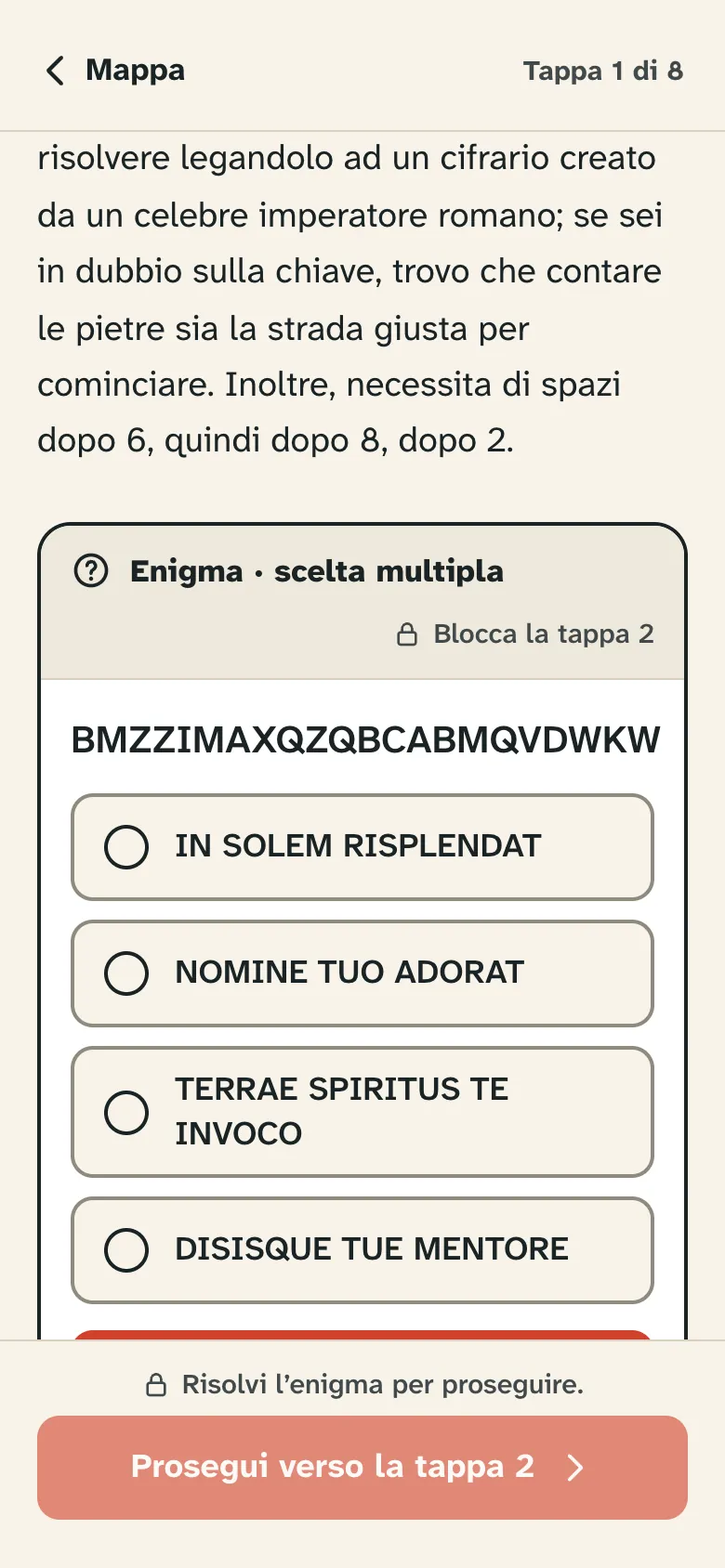
Solve the puzzles
Some stops set a puzzle: until you solve it, the next stop stays locked.
Why PinVia
The history of a place is best understood by walking through it. PinVia brings stories to the exact spot where they happened and turns them into a game: stops to discover, puzzles to solve, details to look out for. The same tool works for cultural visits, school trips, urban games and treasure hunts, always free and open to everyone.
Read our mission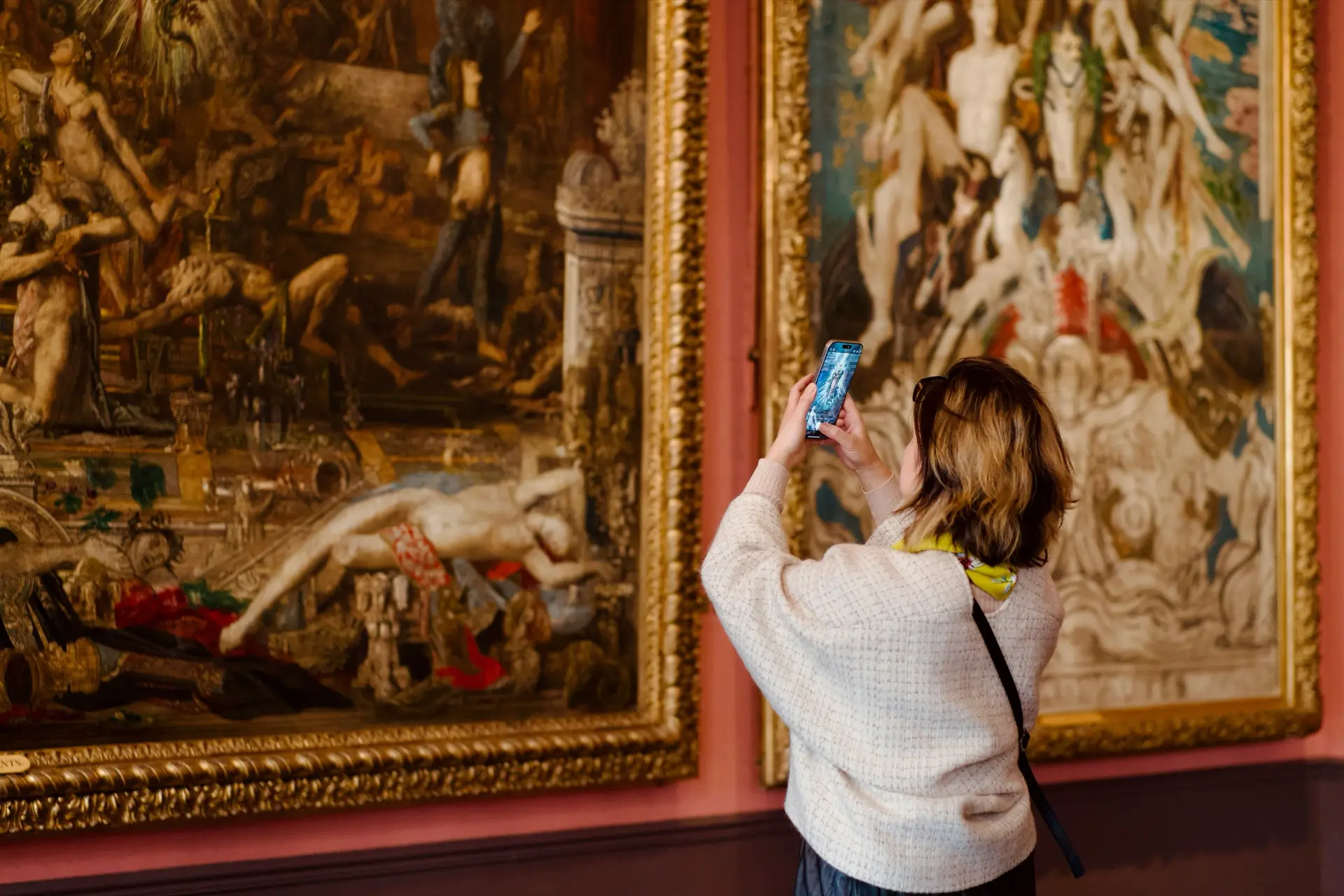
For organisers
Town councils, local heritage groups, museums, schools, guides and events can build their own routes without writing a line of code.
- A map editor: place the stops, write the texts, add images and videos.
- Publish with a link and a QR code to print and display on site.
- Anonymous statistics to see how many routes are started and completed.
- Maps without Google, based on open data (OpenFreeMap).
Access is by invitation: if you have received one, sign in from the organiser area.
Organiser area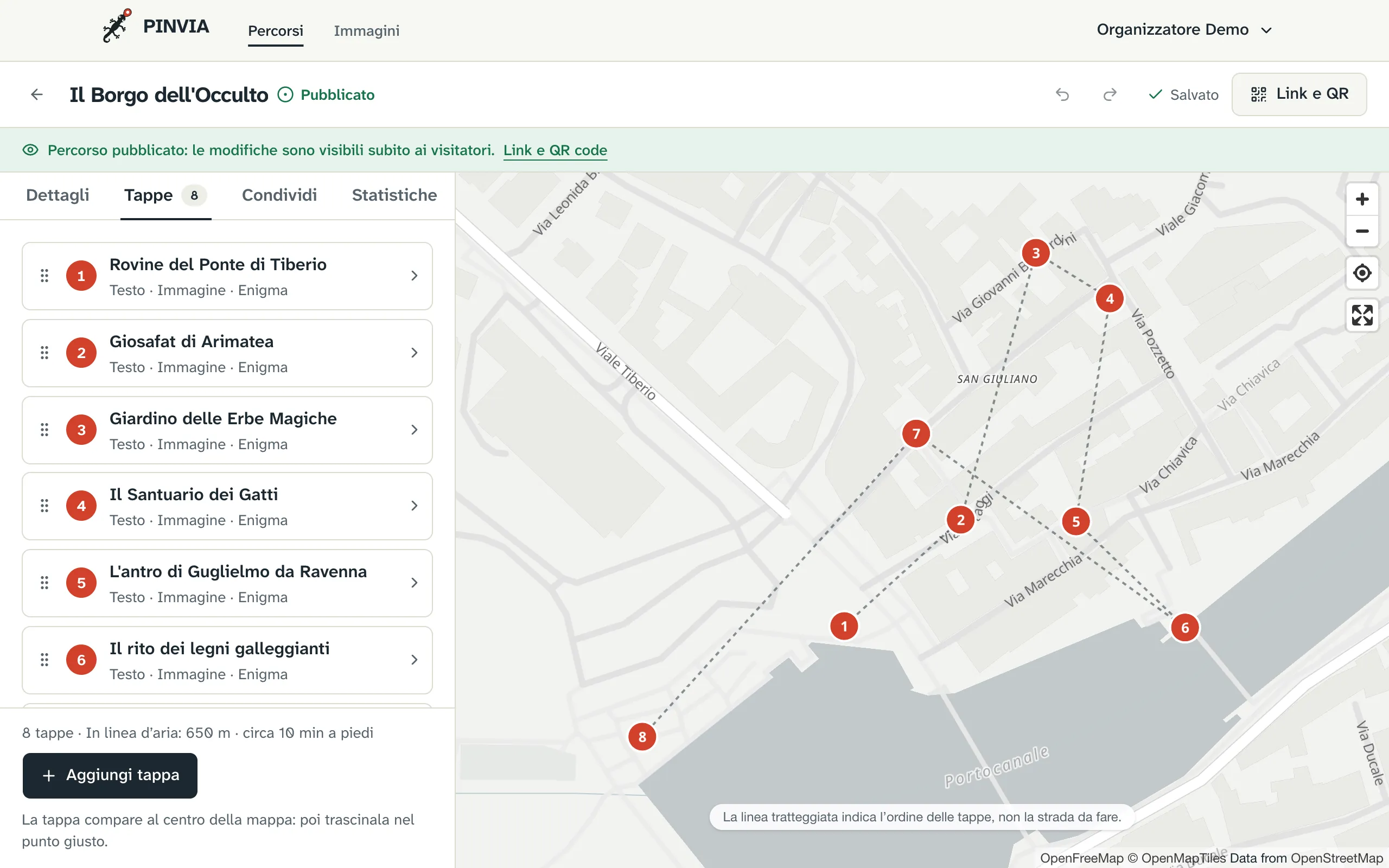
Frequently asked questions
Do I need to sign up to use PinVia?
No. There is no account: open the link or scan the QR code of a route and start straight away. Your progress stays on your phone only.
How much does it cost?
For people following the routes, PinVia is free and has no ads.
Do I have to install an app?
No. PinVia opens in your phone's browser; if you like, you can add it to your home screen and find it again like an app.
What kind of routes are there?
Historical routes, visits to towns and museums, school trips, urban games and treasure hunts. Some stops set a puzzle to solve before you can go on.
How is a route created?
Municipalities, local associations, museums, schools, guides and events use the organiser area, open by invitation: a map editor to place the stops, write the texts and add images and videos, then publishing with a link and a QR code.
What data does PinVia collect?
No personal data about people following the routes: only aggregated, anonymous counts, for example how many times a route was completed on a given day. The details are in the privacy notice.
Privacy
We don't ask who you are: no sign-up, no account, no ads, no tracking cookies.
- Your progress stays on your phone only.
- We only collect aggregate counts, for example how many times a route was completed on a given day, without linking them to who did it.
- Like any website, our server receives your phone's IP address with every request: it couldn't reply without it. We use it only to run the service and protect it from abuse: it is kept in a security log, with the page requested but without your location, for at most 6 months, and then deleted. We don't use it for anything else.
- The map comes from OpenFreeMap and some images are hosted by organisers on other websites: when you open them, those services also receive your IP address, under their own rules.
A stop may contain a YouTube video. Nothing is loaded until you tap «Play»; after that, the video comes from YouTube in privacy-enhanced mode (youtube-nocookie.com), and YouTube may collect data about the viewing under its own rules.
All the details, including those for the organiser area, are in the privacy notice.
Reporting content
Does a route contain text, images or videos that are unlawful, offensive, infringe copyright or show personal data? Write to report@pinvia.it with the link to the route, the stop and the reason. We read every report and, if needed, take the route down. In the app you can do it from «About and privacy», with the message already written.